You haven't signed in yet, you can have a better experience after signing in
*Please complete the payment within {{receiveCouponInfo.expire_at}}Previous use*
You haven't signed in yet, you can have a better experience after signing in



Activity Rules
1、Activity time:{{ info.groupon.start_at }} ~ {{ info.groupon.end_at }}。
1、Activity time:cease when sold out。
2、Validity period of the Group Buying:{{ info.groupon.expire_days * 24 }} hours。
3、Number of Group Buying:{{ info.groupon.need_count }}x。
Please Pay Attention
1、Teamwork process: Join/initiate a Group Buying and make a successful payment - Within the validity period, the number of team members meets the activity requirements - Group Buying succeeded!
2、If the number of participants cannot be met within the valid period, the group will fail, and the paid amount will be refunded in the original way.
3、The number of people required and the time of the event may vary among different products. Please pay attention to the rules of the event.

Clip Plus 强大的剪贴板管理器,可抓取并保存复制到剪贴板的文本和图像,方便保存、重复使用和打印。完全掌控您的剪贴板!
Windows 剪贴板是用于在不同应用程序之间传输数据的内置存储空间。通常情况下,您看不到剪贴板:它在后台运行,保存您复制或剪切的内容,并允许您使用粘贴命令将它们插入到其他文档中。
Windows 的剪切、复制和粘贴功能非常适合传输单个数据,但如果您想要移动大量数据或将数据保留到下次剪切或复制之前,则不太实用。因为无论您是否准备好,Windows 都会覆盖剪贴板。
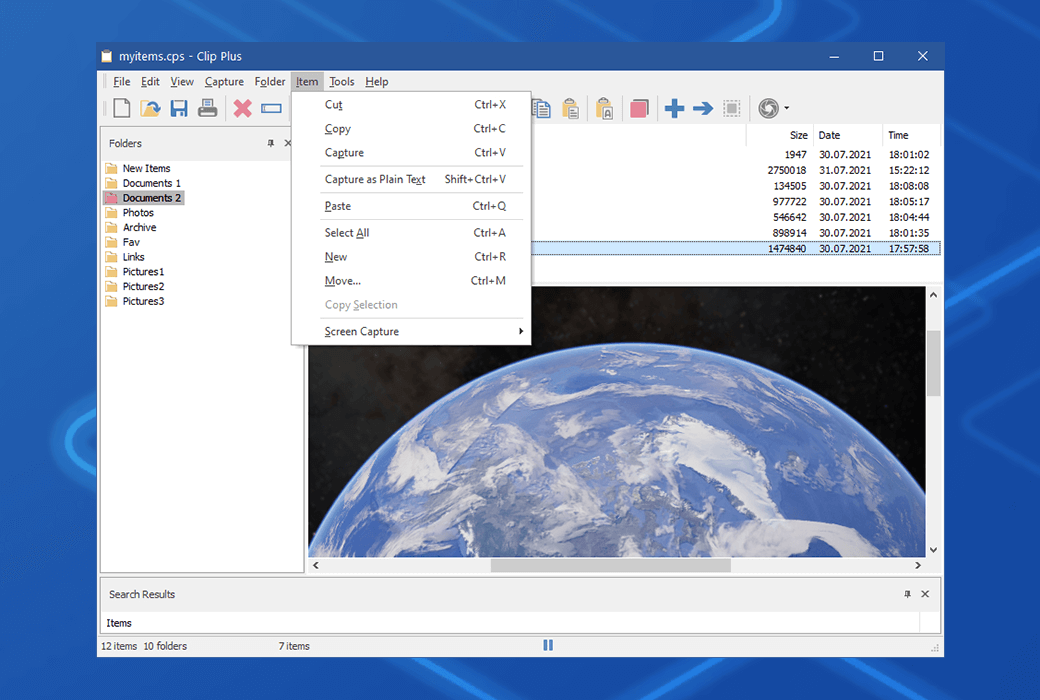
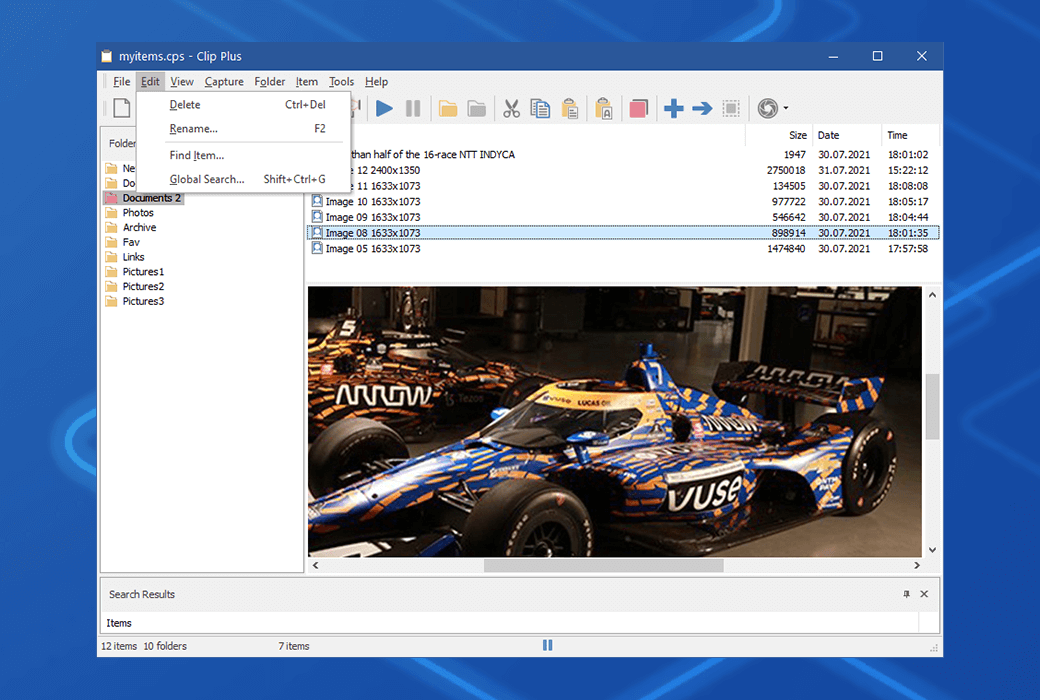
Clip Plus 与常规 Windows 剪贴板配合使用,可在文本、图像和对象复制到剪贴板时自动抓取并保存,方便保存、重复使用和打印。项目集合可直接导出到Maple。
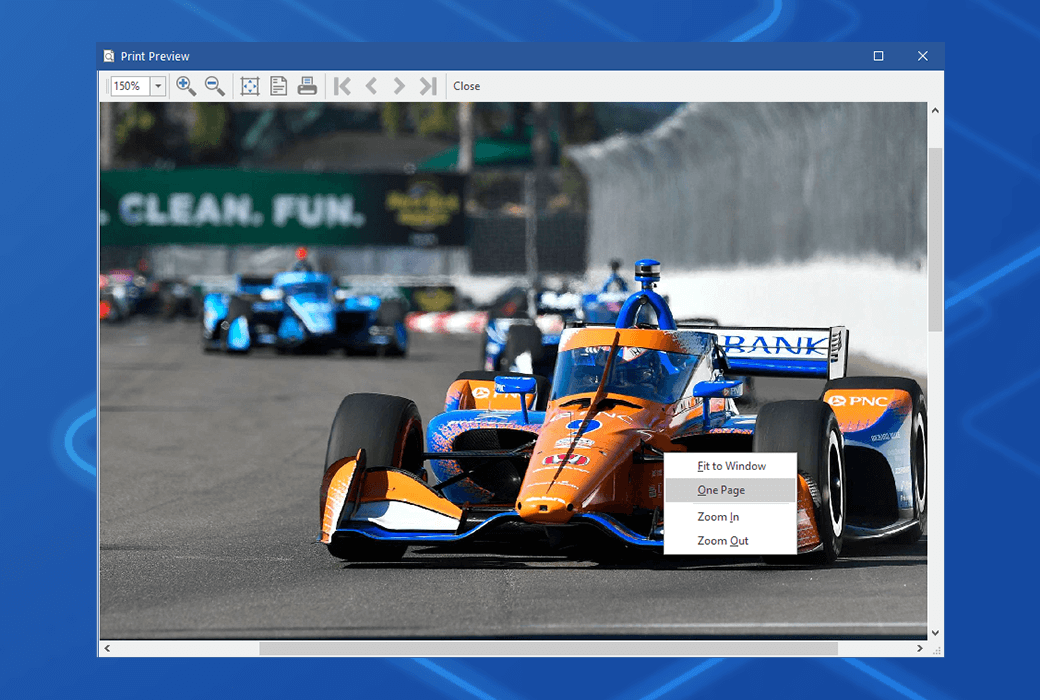
应用程序易于访问且易于使用。托盘图标可快速访问程序,并指示您处于拍摄模式还是暂停模式;您可以打开主屏幕,其中存储剪辑的项目。您可以创建和保存项目组,以及保存单个文本和图形项目;文本和图形均可打印。
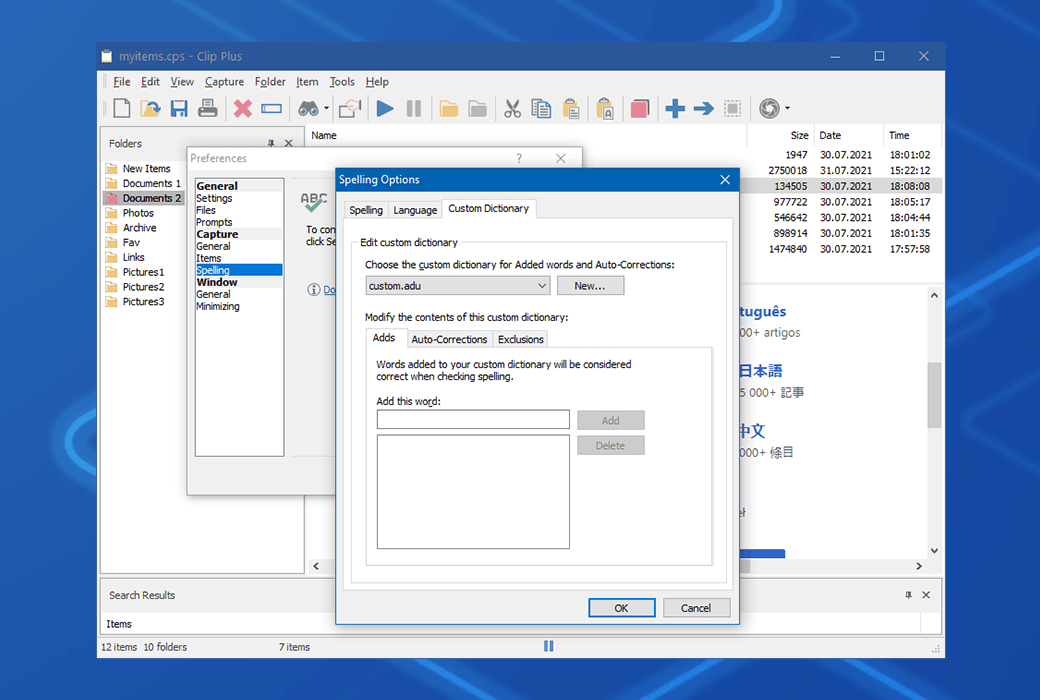
选项包括具有许多参数的全局搜索、自动保存、图像比例和缩放、系统范围的热键、快速粘贴和可选的声音效果。
有了屡获殊荣的 Clip Plus 作为您的 Windows 伴侣,您可以将功能不足的剪贴板转变为出乎意料的强大省时工具。
官方网站:https://crystaloffice.com/clipplus/
下载中心:https://clipplus.apsgo.cn
发货时间:人工在线处理
运行平台:Windows
界面语言:支持英文界面显示,多语言可选。
更新说明:支持 1 更新升级。
买前试用:购前可免费试用。
如何收货:购买后,激活信息会以邮件的形式发送到下单时的邮箱,同时可在个人中心,我的订单中查看对应的产品激活码。
设备数量:可远程控制的数量取决于,购买的授权数量。
更换电脑:原电脑卸载,新电脑激活。
激活引导:待添加。
特殊说明:待添加。

Any question